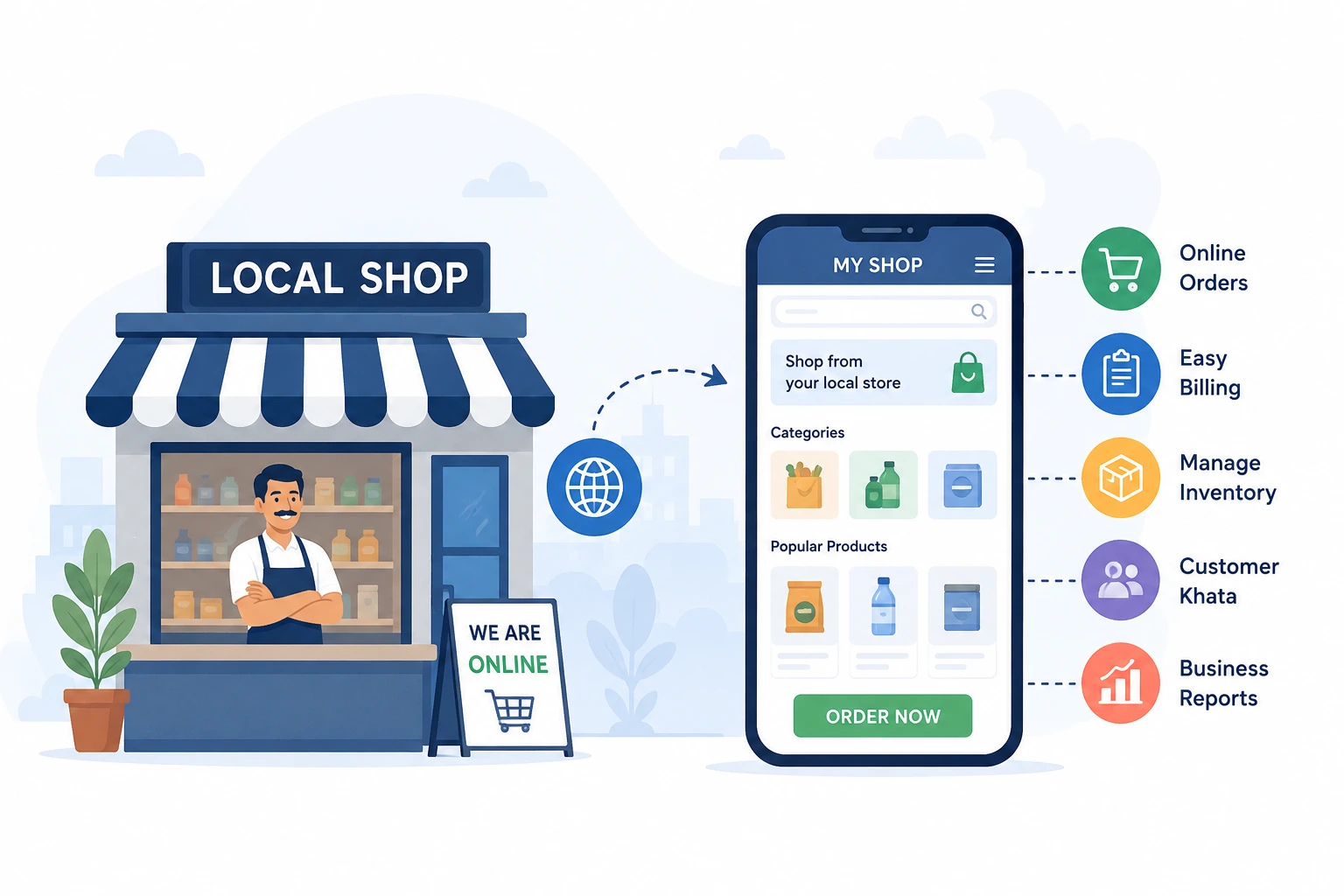
Take your local shop online with a digital storefront customers can browse and order from. Learn how to add products, manage stock, accept orders, and keep billing, khata, and inventory together with LocalShopWala.
A physical/local shop can start selling online without an expensive custom website or a mobile app. The goal is simple: give customers a digital version of your store with a product catalog, clear prices, and up-to-date stock.
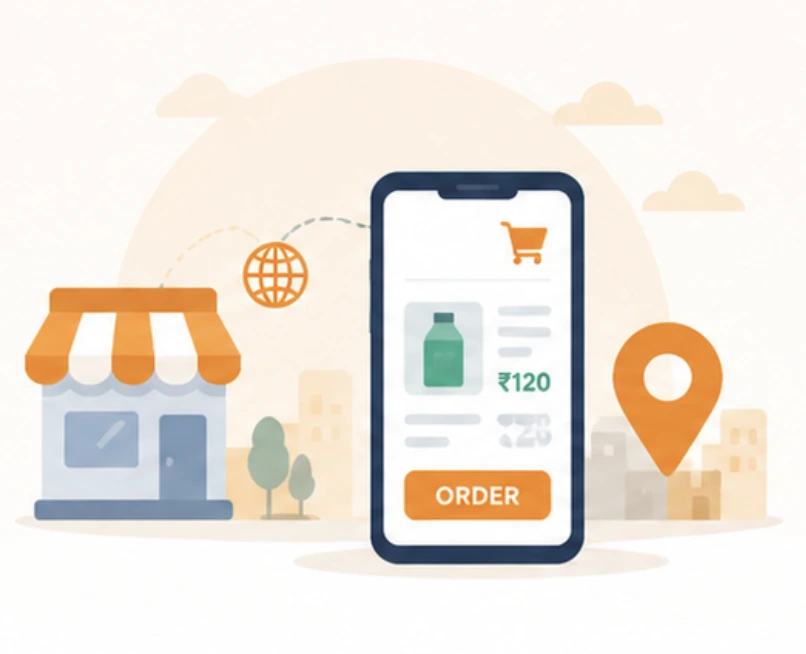
Customers open your LocalShopWala shop link, browse products by category or search, add items to their cart, and place an order with pickup or home delivery options where enabled. Your physical shop can continue normal counter sales at the same time, while you manage orders and billing in LocalShopWala.
What Does It Mean to Take Your Shop Online?
Taking your shop online means creating a digital storefront where customers can discover your shop, browse your products, and submit an order from their phone.
Going online does not mean you become a marketplace seller. Your shop keeps control of its catalog, prices, and operations, while customers place orders through your storefront experience.
What Do You Need to Take a Local Shop Online?
To start, you mainly need shop details (name, address, and service area), a product catalog, and a simple ordering experience for customers.
For inventory management, see inventory management. For digital khata, see digital khata.
How to Take Your Local Shop Online Step by Step
Use a clear sequence: create your shop, add products, publish your catalog, then share your shop link so customers can browse and order.
1. Create Your Digital Shop
Create your LocalShopWala shop and complete basic shop information. This is what turns your physical store into a digital storefront with your own shop link.
2. Add Your Products
Add product names, units, and selling prices. Add product images where they help customers choose faster. Keep your catalog simple first, then expand based on what you actually sell.
Examples you can start with: Kirana (atta 5 kg, rice 1 kg), Electronics (USB-C charger 20W), and a Protein shop (whey protein 1 kg).
3. Add Prices and Manage Inventory
Customers trust an online store when prices are clear and availability matches what you can sell. Keep your stock updated so what they see is accurate.
For inventory and stock workflows, see inventory management in LocalShopWala.
4. Publish Your Online Storefront
Publish your catalog so nearby customers can browse products and place orders from your LocalShopWala storefront link.
If you want the full overview, see solutions.
5. Configure Store Pickup and Delivery
Choose what your shop supports: store pickup, home delivery, or both (where configured). You can set delivery options and charges in your shop settings.
Keep your online storefront and your day-to-day operations in sync, so orders stay smooth for customers.
6. Share Your Online Shop
Share your LocalShopWala shop link using QR codes, printed posters, business cards, and social channels.
WhatsApp is only one sharing method. The ordering journey still happens on your LocalShopWala storefront: share the link, then customers browse, add to cart, and place the order.
7. Customers Browse and Place Orders
Customers open your shop link on their phone. They can browse categories, search products, check prices, and add items to their cart.
When they place an order, the pickup/delivery option follows what your shop has enabled in settings.
8. Manage Online Orders
When customers place an order, you can manage it in Online Orders. Accept the order and prepare for pickup or delivery as you handle today’s operations.
If stock is short, you can handle available items and keep customers informed through the order flow.
9. Keep Billing and Online Sales Together
Keep online sales connected with billing. Use the app to create bills with the same shop records you maintain during counter sales.
For shop billing workflows, see shop billing.
10. Manage Inventory, Khata and Shop Operations
Bring inventory updates and customer records into the same system so your shop doesn’t depend on notebooks and disconnected files.
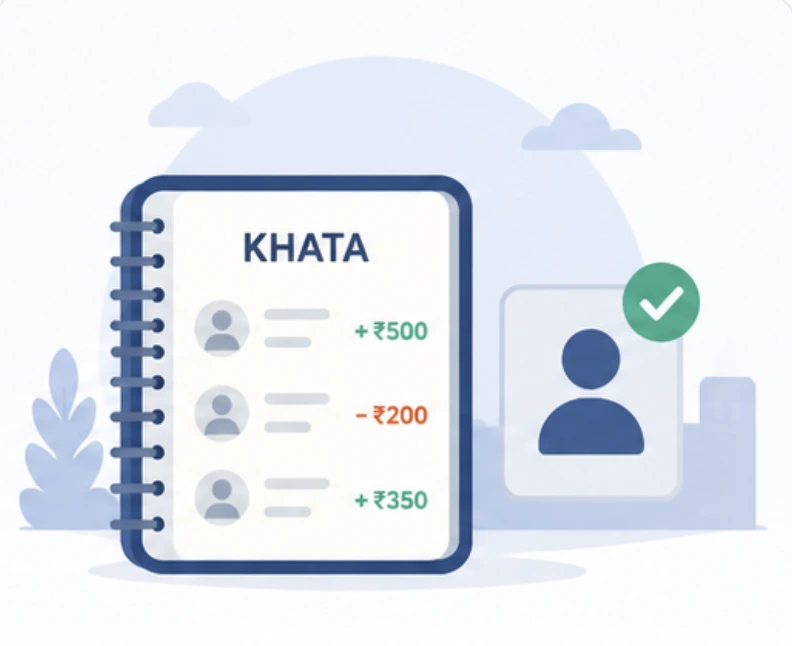
Use digital khata for udhar balances (see digital khata), raise purchase orders when needed (see purchase orders), and review business reports (see business reports).
Example: Taking a Kirana Shop Online
Imagine a local kirana shop that already has regular walk-in customers. Instead of typing prices and stock again and again, the shopkeeper creates a LocalShopWala shop and uploads the products they commonly sell.
They publish the storefront, share the shop link with existing customers, and customers can browse items like atta, rice, cooking oil, biscuits, cold drinks, and household products.
When customers place orders, the shopkeeper handles them in Online Orders and completes billing with the same shop workflow.
Your Own Online Shop vs Selling Only Through a Marketplace
A marketplace lists many sellers and often controls the discovery experience. Customers may see many options in one place.
Your LocalShopWala storefront represents your individual local shop. It gives you a dedicated digital catalog and a shop link you can share, while keeping your ordering and billing flow connected to your shop operations.
Do I Need My Own Website or Mobile App?
Most small retailers do not need to commission a custom ecommerce website and a native mobile app just to start selling online.
With a hosted storefront, you can start the customer-facing catalog and ordering experience while managing shop operations through the LocalShopWala system.
How Do Customers Order From My Online Shop?
Customers open your LocalShopWala shop link. Then they browse products, view prices, add items to cart, and place an order using the pickup/delivery options your shop has enabled.
The shopkeeper can share the storefront link through WhatsApp, social media, QR codes, SMS, or printed posters.
How Much Does It Cost to Take a Shop Online?
LocalShopWala offers plans for different shop needs. You can typically start with the available free plan and upgrade later when your shop grows.
See the latest plan options in pricing.
Which Types of Local Shops Can Go Online?
You can take many kinds of local businesses online, including kirana and grocery shops, bakeries, and pet shops/specialty stores.
The key is having products with clear names, units, prices, and stock so customers can confidently browse and order.
Ready to Take Your Local Shop Online?
Create your LocalShopWala shop, add important products, and publish a storefront customers can browse and order from.
Checklist: Take Your Shop Online
- Create your LocalShopWala shop
- Complete shop details
- Add important products
- Add correct prices
- Check stock
- Configure order settings
- Configure pickup/delivery where applicable
- Publish the storefront
- Test the customer storefront
- Test adding products to cart
- Test an order
- Share your shop link
- Place a QR code at the counter
Ready to take your shop online?
Start Free — Go Online